Download Threads Video, Photo & Voice on Android
How to use Snapvids to download Threads video/photo/voice on Android
Downloading Threads content on your Android device is quick and easy with Snapvids. We offer two convenient methods: using our website or our dedicated Android app.
Method 1: Using the Snapvids Website
Follow these simple steps to save videos, photos, or voice messages from Threads to your Android phone or tablet using our website.
Step 1: Find the content you want to download
Open the Threads app on your Android device and navigate to the video, photo, or voice message you want to download.

Navigate to the Threads post containing the content you want to download
Step 2: Copy the post link
Tap the share icon (usually located at the bottom right of the post) and select "Copy link" from the sharing options.
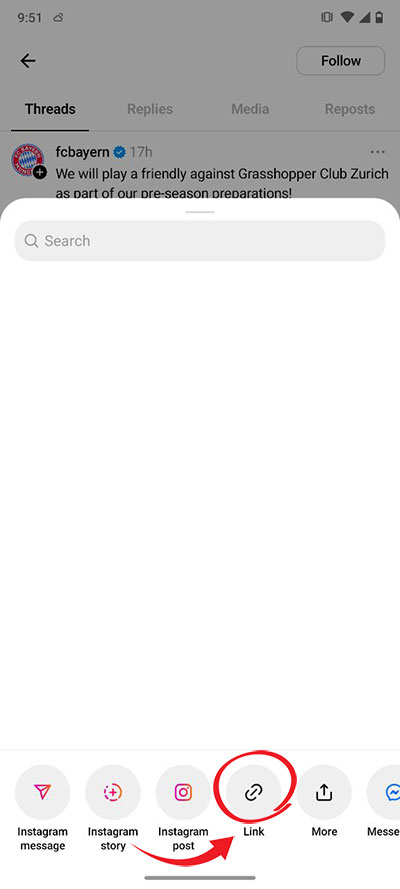
Tap the share icon and select "Copy link" option
Step 3: Open Snapvids in your browser
Open your preferred web browser on your Android device and navigate to Snapvids.net.
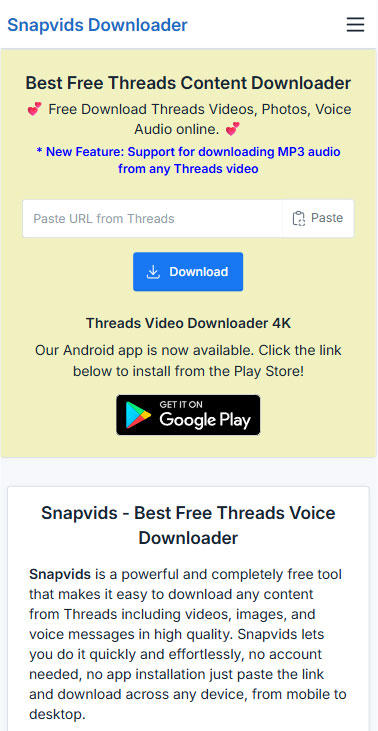
Open your browser and go to Snapvids.net
Step 4: Paste the link and download
Paste the copied Threads link into the input field on Snapvids and tap the "Download" button.
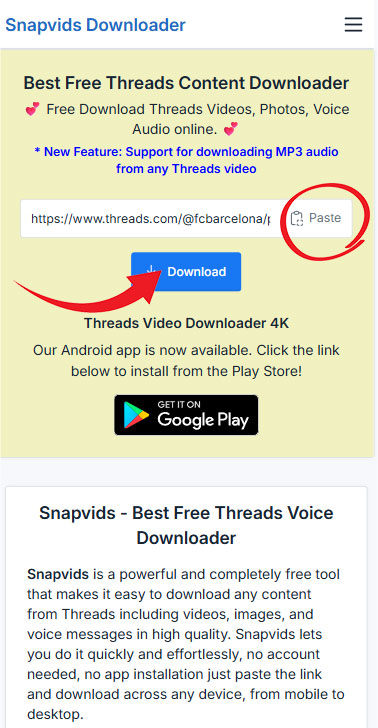
Paste the link and tap the Download button
Step 5: Save the content to your device
After processing, Snapvids will display download options. Tap on the download button for your preferred format (MP4 for video, JPG for photos, or MP3 for voice messages).
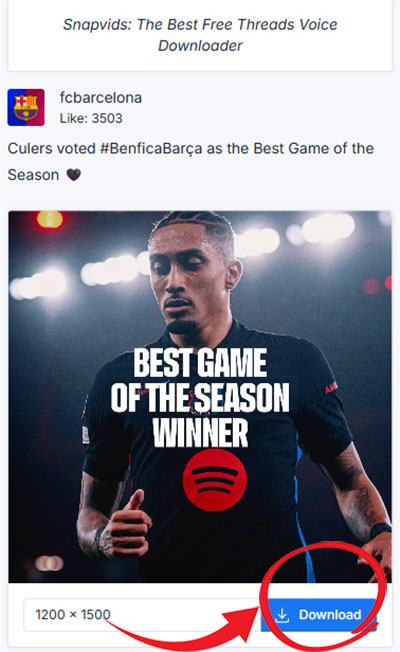
Select your preferred format and save the content to your device
Tips for Android Users
- For faster access to the website method, add Snapvids to your home screen by tapping the menu button in your browser and selecting "Add to Home screen".
- Downloaded files are typically saved to your "Downloads" folder, which you can access through your file manager app.
- If you encounter any issues with downloads, try clearing your browser cache or using a different browser.
With Snapvids, downloading Threads content on your Android device is simple and convenient. Choose the method that works best for you!